Google Colab Hack
want to get a free cloud based vm not fully but yes..kind of vm.
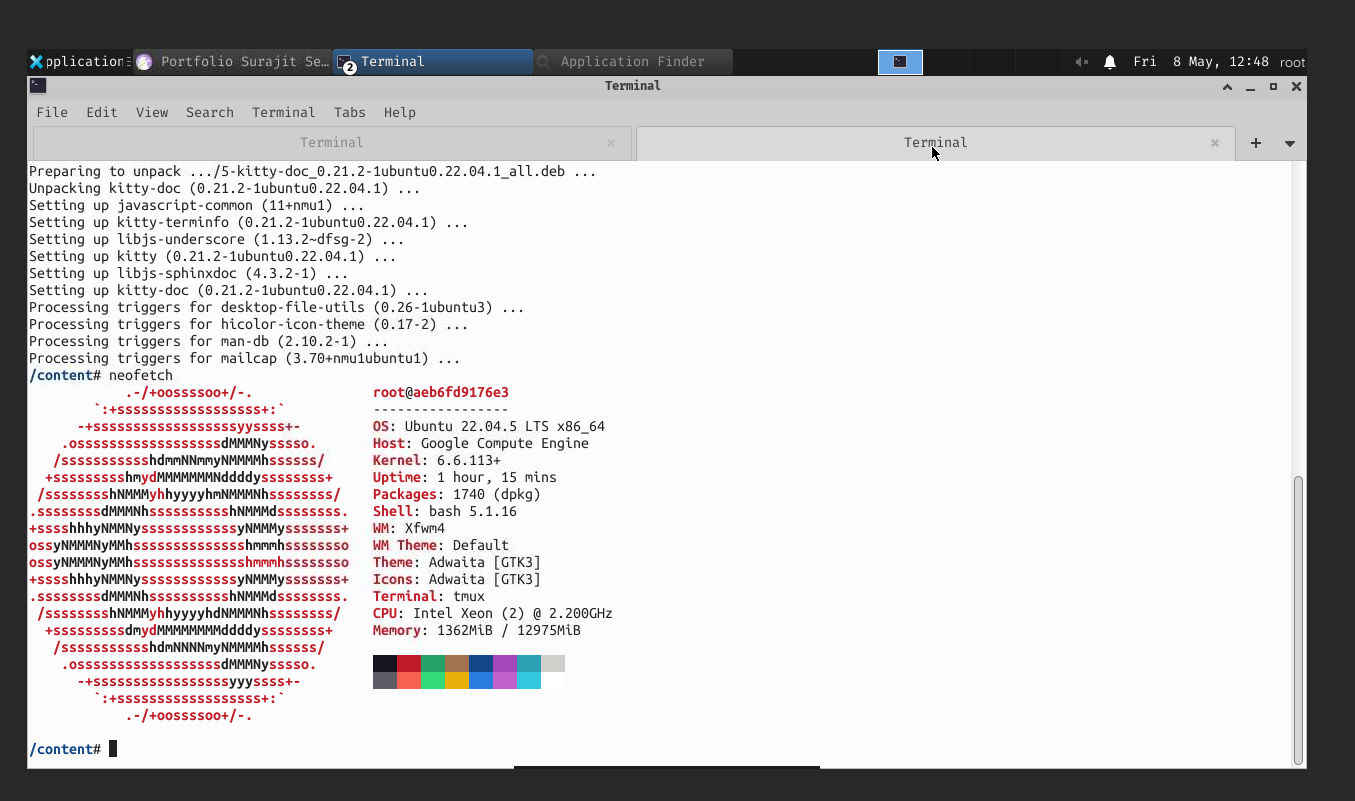
Google Colab might help !
first of all google colab is a free, cloud-based Jupyter Notebook environment that allows users to write and execute Python code in a browser.
but there is some more juicy stuffs you can do it here !
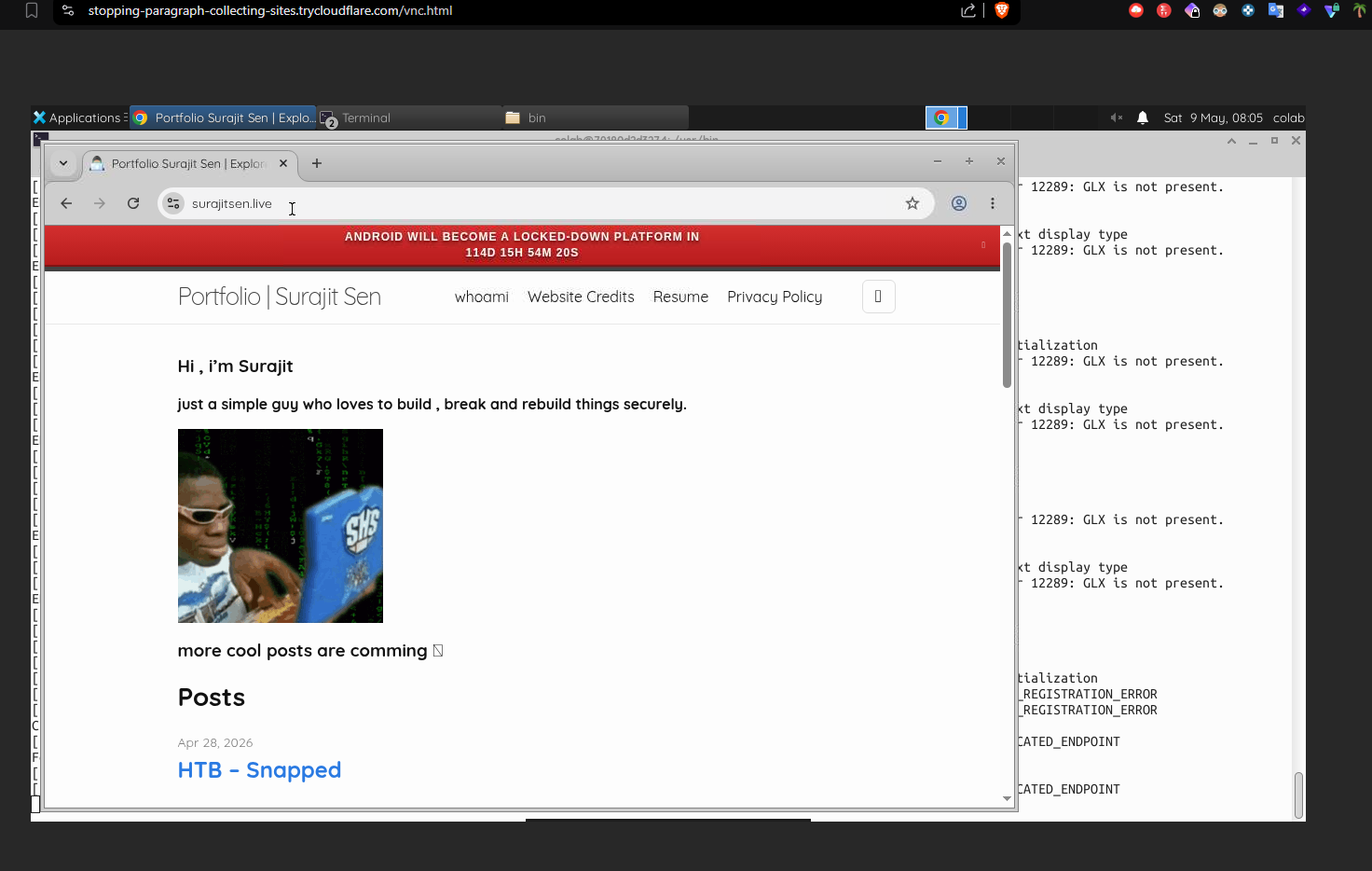
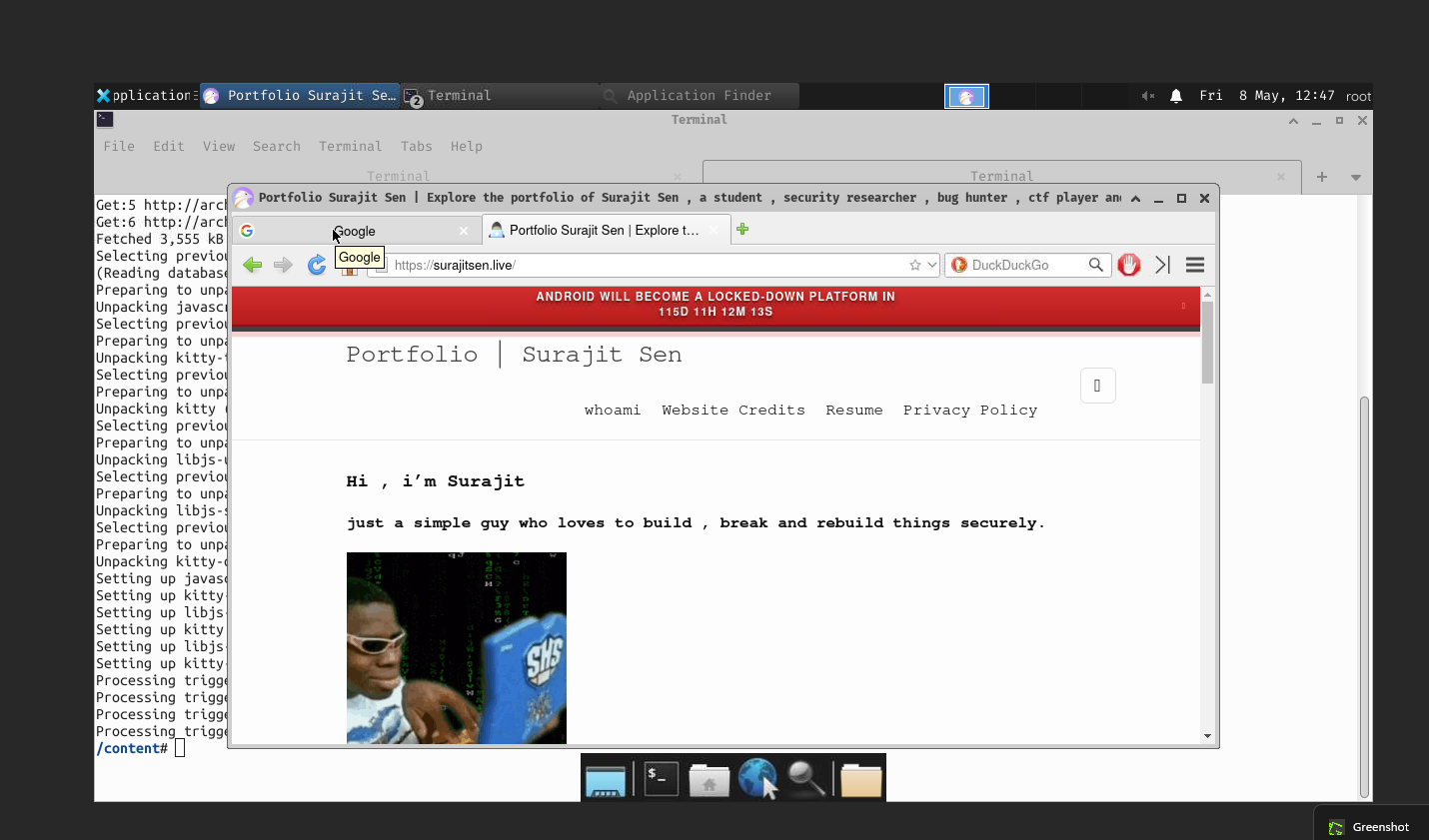
we can make it a full featured vm
Features
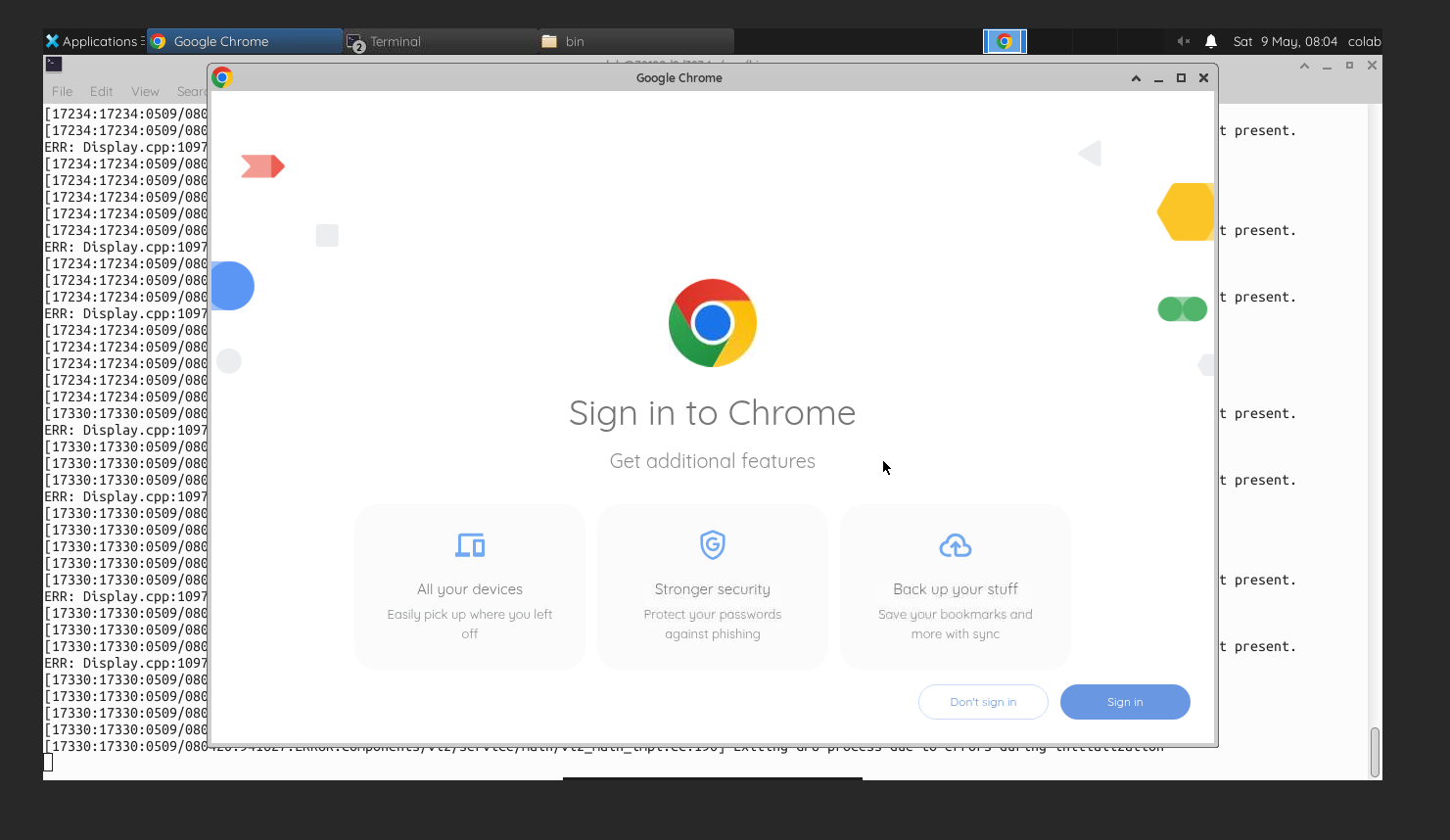
- XFCE Desktop Environment
- noVNC Browser Access
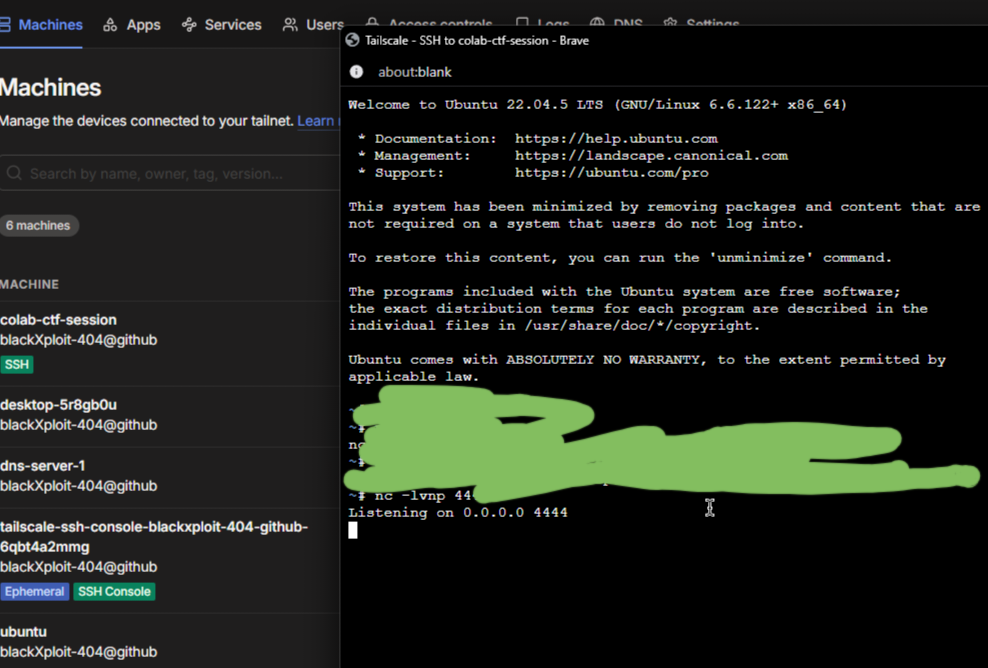
- SSH Access ( Using Tailscale or https://pinggy.io )
- Cloudflare Tunnel for Access the vm on browser
- Browser Support ( use falkon , google-chrome)
- GPU Access
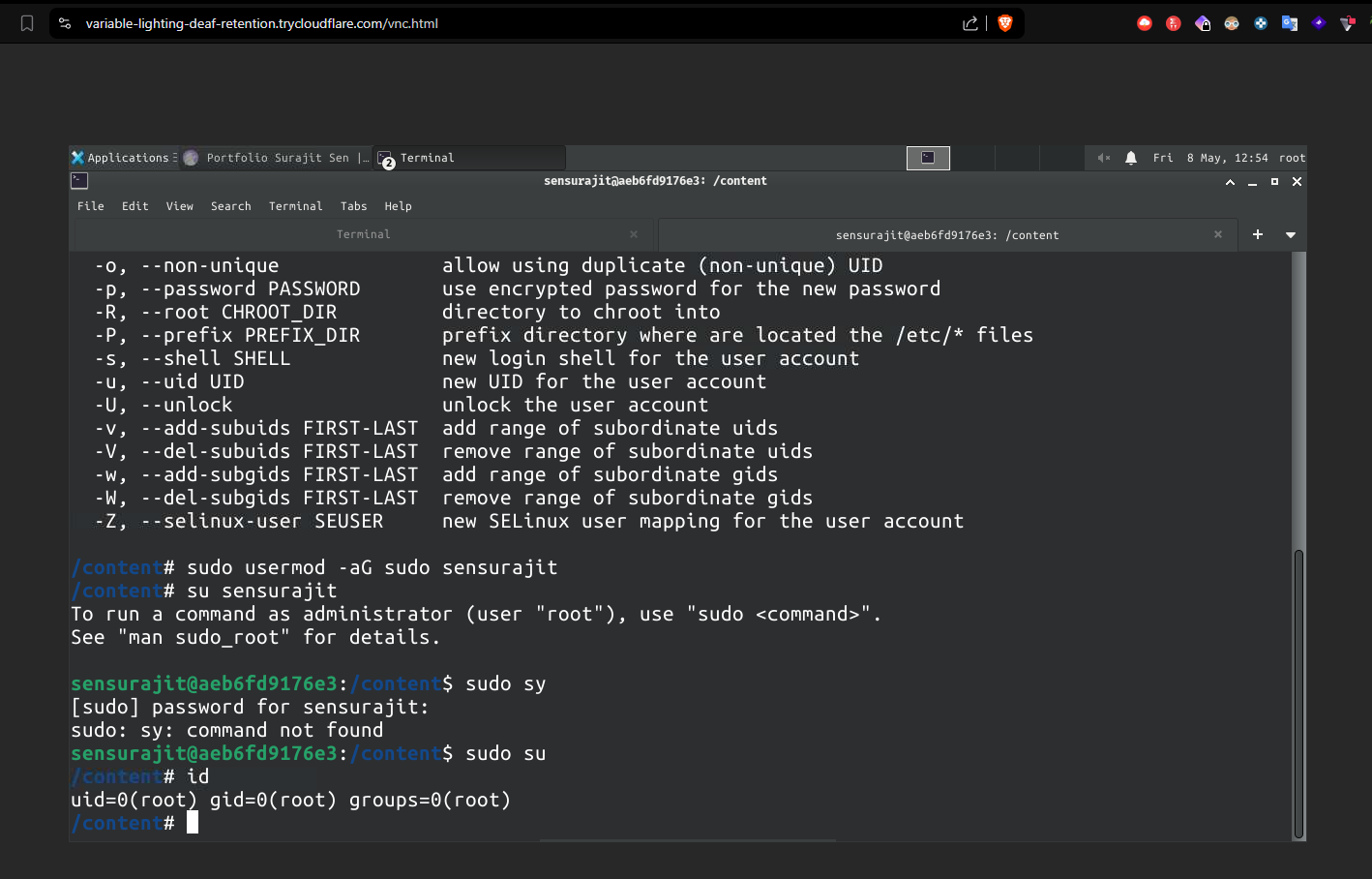
- Linux Terminal
- Package Installation
- Temporary VPS-like Environment
What You Can Do
- browse internet
- run linux apps
- install tools
- access terminal remotely
- host temporary services to play with it
- run GUI applications
- use it as a lightweight cloud desktop
- practice cybersec stuffs
- view any temp file that you think may be infected.
Limitations
- session expires
- files are temporary
- idle disconnects
- not a real persistent VPS
- limited resources
but here is some trick :
you CAN make the environment semi-persistent using Google Drive + auto-restore scripts.
Using Google Drive mount:
from google.colab import drive
drive.mount('/content/drive')
you can persist:
scripts browser profiles VSCode settings projects downloaded files SSH configs VNC configs package lists etc sounds great right ? you can find more tips and trick by googling but here is some refs : https://gist.github.com/hiraksarkar/2af99db628c2528cc5362c21da9985cc
https://medium.com/@robertbracco1/configuring-google-colab-like-a-pro-d61c253f7573
Setup Stack
before running any script first mount the drive
from google.colab import drive
drive.mount('/content/drive')
then run the bash script open the attached terminal on colab then just install nano apt install -y nano and paste the script or use
cat > persistent_colab_vm.sh << 'EOF'

# paste script here

EOF
#!/bin/bash

set -e

USERNAME="colab"
PASSWORD="colab123"
VNC_PASSWORD="123456"

PERSIST_BASE="/content/drive/MyDrive/colab-vm"

if [ ! -d "/content/drive/MyDrive" ]; then
    echo
    echo "[!] Google Drive is not mounted."
    echo
    echo "Run this FIRST inside Colab:"
    echo
    echo "from google.colab import drive"
    echo "drive.mount('/content/drive')"
    echo
    exit 1
fi

export USER=root
export HOME=/root
export DISPLAY=:1
export XDG_RUNTIME_DIR=/tmp/runtime-root

mkdir -p $XDG_RUNTIME_DIR
chmod 700 $XDG_RUNTIME_DIR

mkdir -p $PERSIST_BASE
mkdir -p $PERSIST_BASE/chrome-profile
mkdir -p $PERSIST_BASE/workspace
mkdir -p $PERSIST_BASE/vnc
mkdir -p $PERSIST_BASE/scripts

echo "[*] Updating packages..."

apt update -y

echo "[*] Installing packages..."

apt install -y \
xfce4 \
xfce4-goodies \
tightvncserver \
novnc \
websockify \
wget \
curl \
sudo \
dbus-x11 \
falkon

echo "[*] Creating user..."

id -u $USERNAME &>/dev/null || useradd -m -s /bin/bash $USERNAME

echo "$USERNAME:$PASSWORD" | chpasswd

usermod -aG sudo $USERNAME

mkdir -p /home/$USERNAME/.vnc

cat > /home/$USERNAME/.vnc/xstartup << 'EOL'
#!/bin/bash

xrdb $HOME/.Xresources

export XKL_XMODMAP_DISABLE=1

unset SESSION_MANAGER
unset DBUS_SESSION_BUS_ADDRESS

startxfce4 &
EOL

chmod +x /home/$USERNAME/.vnc/xstartup

echo "$VNC_PASSWORD" | vncpasswd -f > /home/$USERNAME/.vnc/passwd

chmod 600 /home/$USERNAME/.vnc/passwd

chown -R $USERNAME:$USERNAME /home/$USERNAME/.vnc

echo "[*] Restoring browser profile..."

mkdir -p /home/$USERNAME/.config/google-chrome

if [ -d "$PERSIST_BASE/chrome-profile/Default" ]; then
    cp -r $PERSIST_BASE/chrome-profile/* \
    /home/$USERNAME/.config/google-chrome/ || true
fi

chown -R $USERNAME:$USERNAME /home/$USERNAME/.config

echo "[*] Cleaning old sessions..."

pkill Xtightvnc 2>/dev/null || true
pkill websockify 2>/dev/null || true
pkill cloudflared 2>/dev/null || true

rm -rf /tmp/.X1-lock
rm -rf /tmp/.X11-unix/X1

echo "[*] Starting VNC..."

su - $USERNAME -c "
export USER=$USERNAME
export HOME=/home/$USERNAME
vncserver :1 -geometry 1366x768 -depth 24
"

if ! command -v google-chrome &>/dev/null; then

    echo "[*] Installing Chrome..."

    wget -q https://dl.google.com/linux/direct/google-chrome-stable_current_amd64.deb

    apt install -y ./google-chrome-stable_current_amd64.deb || true
fi

if [ ! -f "./cloudflared" ]; then

    echo "[*] Downloading cloudflared..."

    wget -q \
    https://github.com/cloudflare/cloudflared/releases/latest/download/cloudflared-linux-amd64 \
    -O cloudflared

    chmod +x cloudflared
fi

echo "[*] Starting noVNC..."

websockify \
--web=/usr/share/novnc/ \
0.0.0.0:6080 \
localhost:5901 &

cat > $PERSIST_BASE/scripts/save_profile.sh << 'EOL'
#!/bin/bash

cp -r /home/colab/.config/google-chrome/* \
/content/drive/MyDrive/colab-vm/chrome-profile/ || true
EOL

chmod +x $PERSIST_BASE/scripts/save_profile.sh

echo
echo "========================================"
echo
echo "[+] Persistent Colab VM Ready"
echo
echo "User: $USERNAME"
echo "Password: $PASSWORD"
echo
echo "VNC Password: $VNC_PASSWORD"
echo
echo "Workspace:"
echo "$PERSIST_BASE/workspace"
echo
echo "Saving browser profile:"
echo
echo "bash $PERSIST_BASE/scripts/save_profile.sh"
echo
echo "========================================"
echo

./cloudflared tunnel --url http://0.0.0.0:6080
Make Executable
chmod +x persistent_colab_vm.sh
and then run
./persistent_colab_vm.sh
Open noVNC
After setup completes:
https://random.trycloudflare.com/vnc.html
Use:
| Setting | Value |
|---|---|
| Host | localhost |
| Port | 5901 |
| Password | 123456 |
Save Browser Session
Before runtime ends:
bash /content/drive/MyDrive/colab-vm/scripts/save_profile.sh
and enjoy your cloud desktop :) thanks for reading btw.